Emitter silent
What you're seeing
A High finding on the Findings page:
Emitter silent — no records received for N hours; last record at
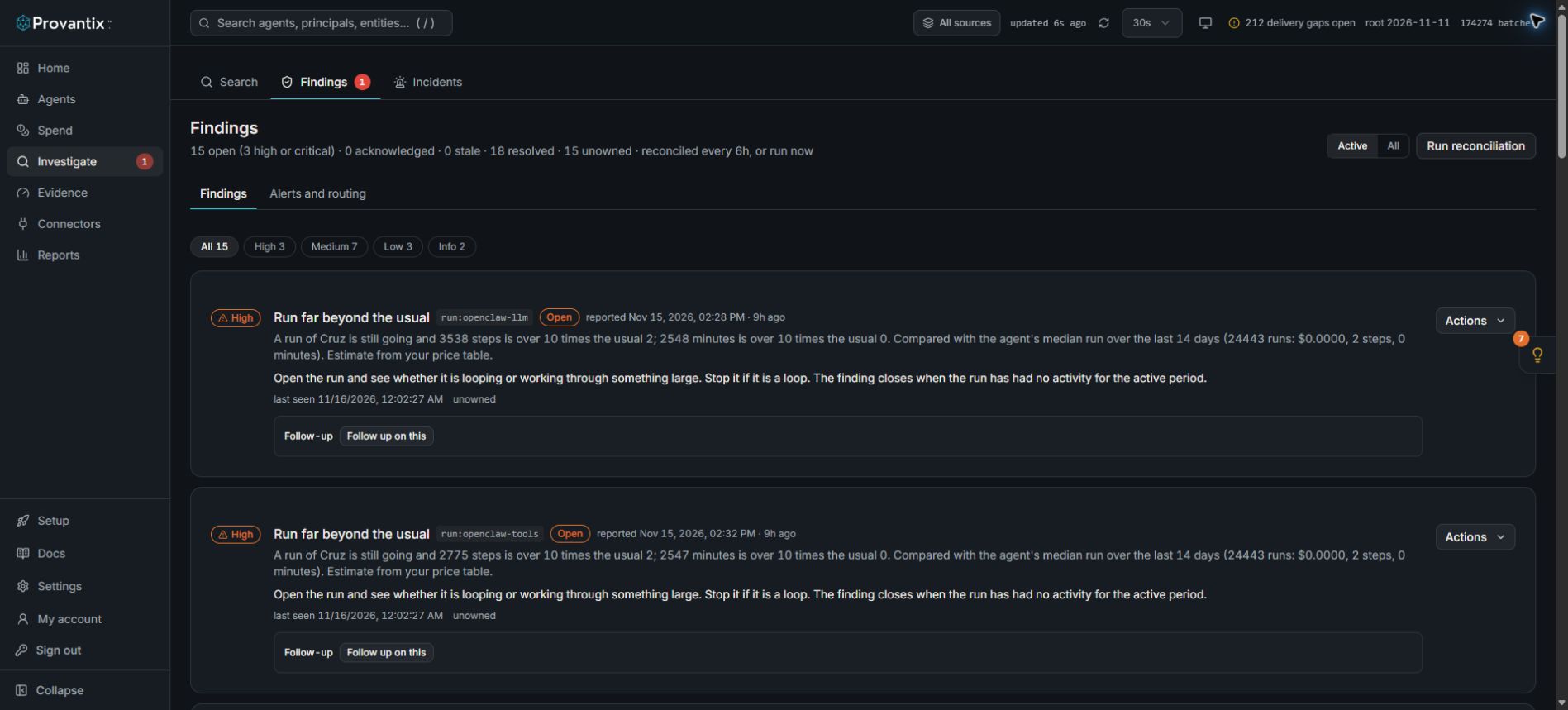
Product capture, 15–16 November 2026. Open the image for full size.
Find the Emitter silent condition on this page and read its last-record time. The screenshot is a workspace snapshot; use the current finding and connector timestamps for diagnosis.
What it means
A signed source that used to ship batches has stopped. Everything the platform knows about that emitter is now aging: the Home page freshness strip, coverage, findings — all of it stops moving for this source. The finding is rated High because silence and tampering look identical from the outside; you cannot tell which one you have until you check.
What to do, in order
- Open the app's Setup page (left navigation → Setup) and find the emitter card. Confirm the emitter is listed and active. If it is missing entirely, it was probably never registered in this organization — register it under the same name the runtime uses.
- Check the emitter process on its host. Is the SDK/collector running? Did the host restart, did a deploy drop the environment variables (
PROVANTIX_EMITTER_ID,PROVANTIX_PRIVATE_KEY_PEM,PROVANTIX_TENANT_ID)? A missing key file is the most common cause after a restart. - Check the spool directory. The SDK spools batches it cannot send. Spool growing means the network path is down (DNS, TLS, proxy); spool empty with no deliveries means the emitter is not producing or not flushing.
- Check the ingest endpoint from the emitter host —
curl -s https://app.provantix.tech/should return the app shell, not a connection error. - Ship one test batch. The Setup wizard's step 2 · Ship the first batch has a prefilled snippet for this organization. Run it on the emitter host; a record should appear in Investigate within seconds.
- When records flow again, resolve the finding with Mark resolved and a reason like "emitter host rebooted; spool drained, test batch accepted". The resolution is itself a decision in the decision log.
What good looks like
Records newer than the finding's last record timestamp, the header strip back to updated seconds ago, and the finding resolved with a cause. If batches resume with a sequence gap (a jump in batch numbers), a separate sequence_gap finding appears — see Batch gaps and unsealed days.
If the emitter never shipped at all
A registered emitter with zero records that you never meant to use is usually an abandoned registration. See A registered emitter that never shipped.
If it persists
If the emitter is running, the spool is draining, and records still do not land: open the record drawer of the last accepted batch and note its batch number, then check Connectors for rejection codes on the emitter's intake path. Rejections mean telemetry is arriving and being refused — a different problem from silence, with its own fix.