A new candidate appeared
What you're seeing
A count badge on Agents in the left navigation and on the Candidates tab, and on the Candidates tab a row like:
some-identity — 0.58 probable · non-human principal with no agent mapping · first seen … last seen …
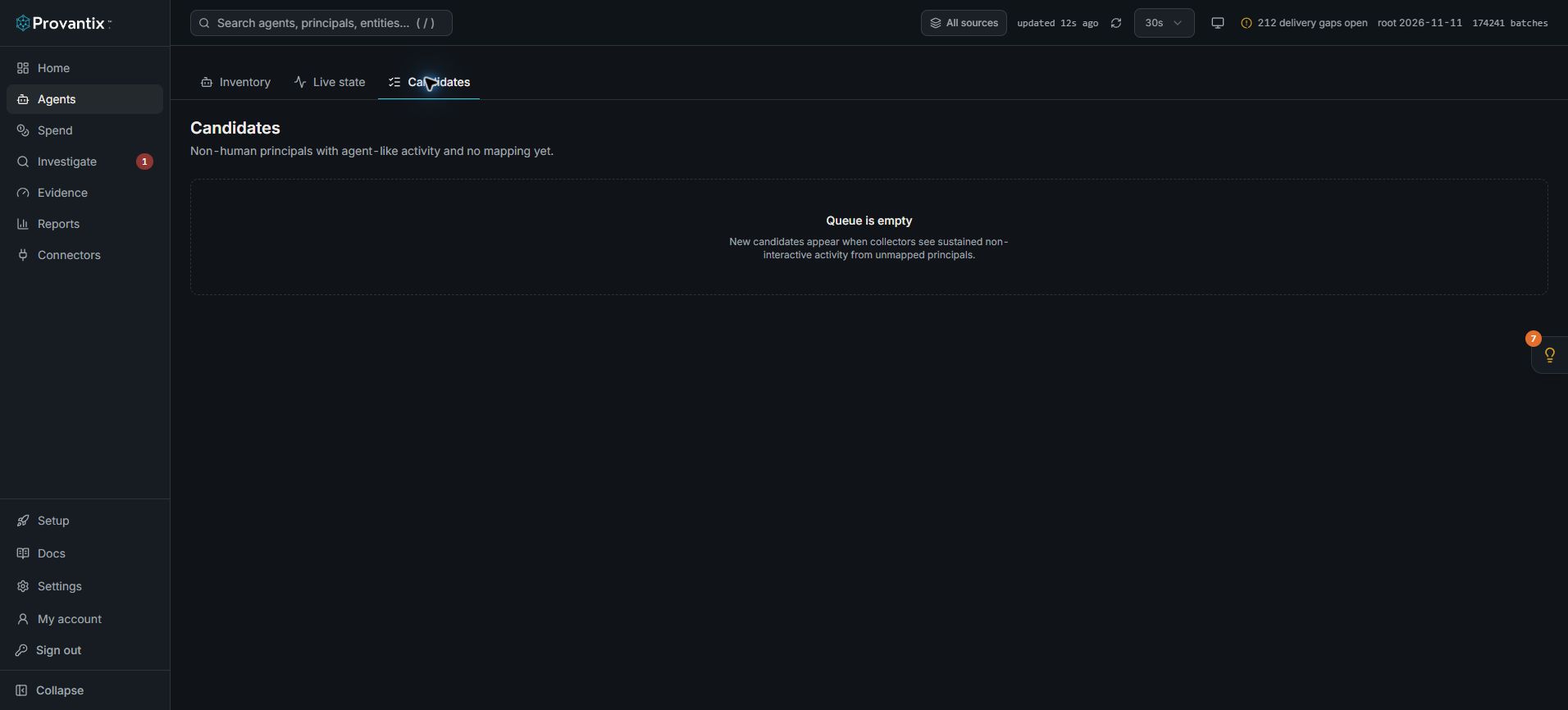
Product capture, 15–16 November 2026. Open the image for full size.
This capture shows an empty queue. The confirm, merge and dismiss workflow below applies when a candidate is present; an empty queue does not prove that every agent has been discovered.
What it means
Telemetry referenced a non-human identity the platform has never seen — a workload identity in a token, a service principal at a boundary system, a vendor agent id nothing maps to. Provantix does not guess: it files the identity as a candidate with the evidence for what it is and a confidence score, and asks a human to decide.
A candidate is a proposal, not an accusation. Most candidates in a healthy rollout are agents someone on your team deployed and forgot to register.
What to do
- Identify it before you click anything. Ask: who deployed what on the first seen date? Check the records behind the candidate — click the identity to see the actions it took and the systems it touched. An identity that only reads public data is a different conversation from one that writes to a system of record.
- Then one of three decisions:
- Confirm as agent — it is a real agent your organization runs. It becomes an agent in inventory with its evidence attached; the next step is to give it an owner, because an agent without an owner will surface as a finding.
- Merge into… — it is the same principal as an existing agent (the emitter reported a slightly different identity this time). Merging keeps one agent with complete history instead of two fragments.
- Dismiss — it is not an agent: a monitoring probe, a CI identity, a human's service account. Dismissal requires a reason and lands in the decision log.
- If the identity keeps reappearing after dismissal, treat that as a signal: either the dismissal reason was wrong, or something new keeps using that identity.
What good looks like
Candidates are triaged within days, every confirmed agent has an owner and a lifecycle, and the decision log shows who confirmed or dismissed each identity and why.
When to escalate
If a candidate is taking actions your organization cannot account for — no team recognises it, it touches production systems, it appeared with a high action count on day one — do not dismiss it. Investigate it as a possible unmonitored or compromised agent: pull its records in Investigate, identify every system it touched, and treat it as a security review, not a registry chore.